1win Aviator support: live chat, email and messengers
1win support for Aviator players works around the clock in the live chat, by email and through official messenger channels. Pick your problem, send the right details once, and get it solved faster.
Updated · 18+
Contents 7 sections
Choose the right 1win support channel
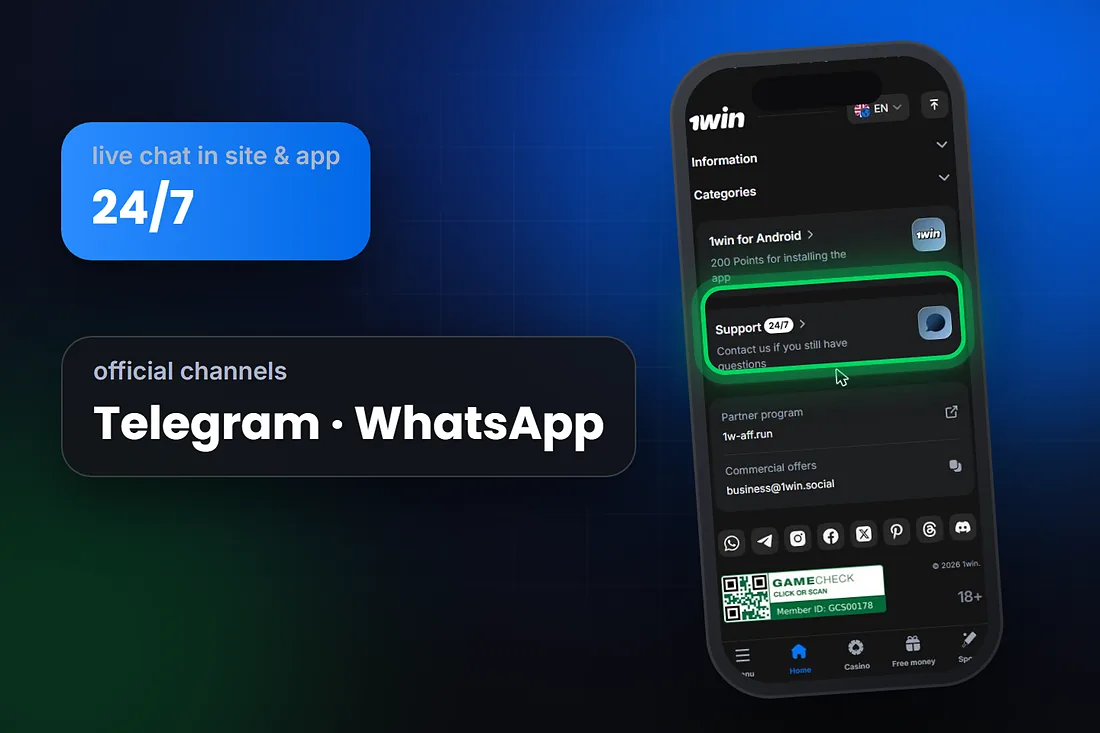
1win Aviator customer care is available 24/7 for players in India. A disputed round, a pending withdrawal and a forgotten password each go fastest through a different channel and need different details. Choose your problem below to see where to write and what to attach.
1win support channels at a glance
| Channel | Where to find it | Best for |
|---|---|---|
| Live chat | Chat button on the 1win website and in the app, available 24/7 | Urgent issues: a stuck bet, a deposit not credited, login trouble |
| Support address in the contacts section of the official 1win site | Cases with documents, screenshots or a long history | |
| Telegram and WhatsApp | Official channels linked from the 1win site | Quick questions and news about offers |
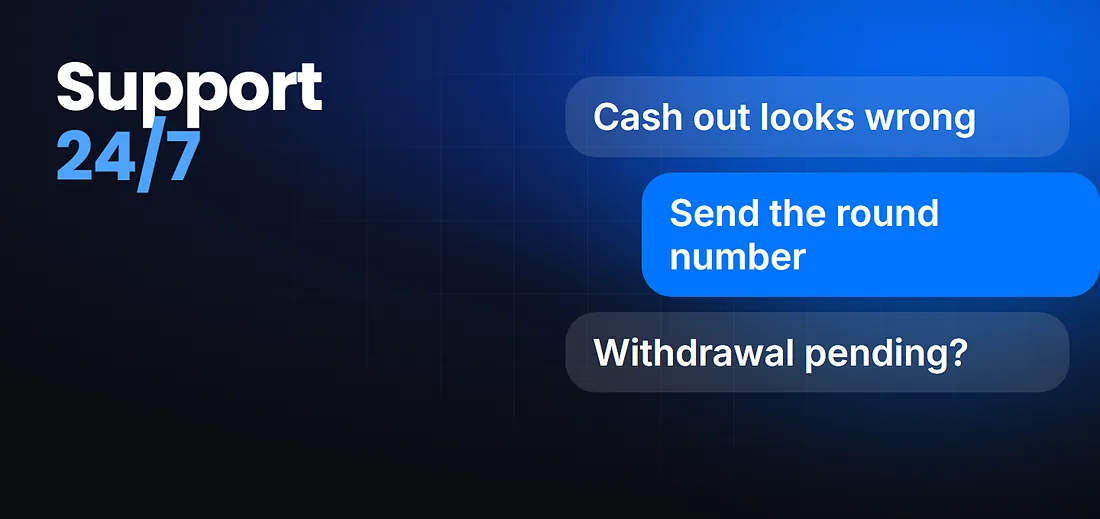
The live chat is the fastest route for most Aviator questions, because the agent sees your account and transaction history at once. Write in simple sentences, one problem per message, and put the key number (round ID, UTR or request ID) in the first line. Answers to everyday questions are collected in the 1win Aviator FAQ.
What to send about an Aviator round or bet
Aviator rounds are short, and dozens of them pass in a few minutes. Support can check any round precisely, but only if you name it. Before you write, collect:
- Round ID. Click the round's multiplier in the history strip at the top of the game; the window shows the round number, server seed, client seeds and result.
- Date and time of the round, with your time zone (IST).
- Bet amount and panel — first or second bet, and whether "Auto bet" or "Auto Cash Out" was on and at which multiplier.
- What you saw: the multiplier at which you pressed "Cash Out", or the "FLEW AWAY!" value.
- A screenshot of Menu (☰) → "My Bet History" showing the bet.

Two Game Rules worth knowing first. If your internet connection drops while a bet is active, Aviator cashes out automatically at the current multiplier and adds the win to your balance — check "My Bet History" before reporting a lost bet. If a round is hit by a hardware or software malfunction, affected bets are void and the stakes are refunded. Any round result can also be checked independently; how that works is explained in checking an Aviator round yourself.
Quick checks before you write
Many Aviator questions are answered inside the game window in less time than it takes to open a chat. Run through these checks first; if the answer is still unclear, you will already have the details support needs.
- Open Menu (☰) → "My Bet History" and find the bet: it shows the amount, the multiplier at Cash Out and the win.
- Look at your main balance in the 1win header — Aviator wins are credited there straight after Cash Out.
- Open Menu → "Game Limits" if a bet was not accepted: it may be below the minimum or above the maximum for your account.
- Check the "Auto" tab of both bet panels: "Auto bet" without "Auto Cash Out" places bets every round but still needs a manual Cash Out.
- Refresh the game or reopen it from the casino lobby if the screen froze, then compare the history strip with what you remember.
How the panels, the history strip and the Auto tab work is shown with screenshots in Aviator rules and controls.
Payment and account problems
For money and account questions, the details you send decide how quickly the agent can act. Match your problem to the list:
- Deposit not credited
- Method, amount, time of payment and the UTR number for a bank transfer, or a screenshot of the successful payment in your UPI app.
- Withdrawal pending or rejected
- Request ID, amount, method and date. First check the usual causes listed in why a withdrawal can be delayed: an amount under the ₹1,200 IMPS minimum, an active bonus or pending KYC.
- Verification (KYC)
- Clear photos of your ID, a selfie and proof of address when asked, with the same name as in your profile.
- Cannot log in
- The phone number or email used at registration and the login method (Phone, Email, Google, Telegram). Try "Forgot your password?" first — the steps are in fixing 1win login problems.
- Bonus not shown
- Deposit amount and date, and whether a promo code was added at sign-up. Bonus rules are in 1win bonuses for Aviator players, and common code errors are covered in promo code errors and fixes.
Keep your account safe when contacting support
1win support never asks for your password or a one-time code. Real agents work through the chat inside the site and app and the channels linked from the official site. Accounts on Telegram or WhatsApp that message you first, offer "signals", promise a "sure" round or ask for a payment to release a withdrawal are scammers — no one can know an Aviator multiplier in advance. Report such contacts in the live chat and never install apps they send. This site itself is an information site and does not run a support desk; who runs it and how its facts are checked is described in about this site.
Customer care questions
How do I contact 1win customer care for Aviator?
Log in to your 1win account and open the live chat on the site or in the app; it works 24/7. For cases with documents you can also use email, and official Telegram and WhatsApp channels are linked from the site.
Is 1win customer care available at night?
Yes, the live chat works 24/7, including weekends and holidays. Short, clear messages with the round ID or request ID get the fastest answer.
My Aviator bet was lost because the internet dropped. What now?
Check "My Bet History" first: on a disconnect the game cashes out automatically at the current multiplier and credits the win. If the history does not match what you expected, send the round ID and time to support.
How do I find the round ID in Aviator?
Click the multiplier of that round in the history strip at the top of the game. The window shows the round number, seeds, hash and result.
Does 1win support ask for my password?
No. Never share your password or one-time codes with anyone, including people who claim to be 1win staff in messengers.